Burn Bold Animated & Dual Subtitles On Any Uploaded Video
Upload your video file to burn kinetic captions or display original and translated subtitles simultaneously on screen.
Drop or select MP4/MOV video file to burn subtitles...
Supports MP4, MOV, WebM video files
No credit card required. Try instantly in Auto Poster App.
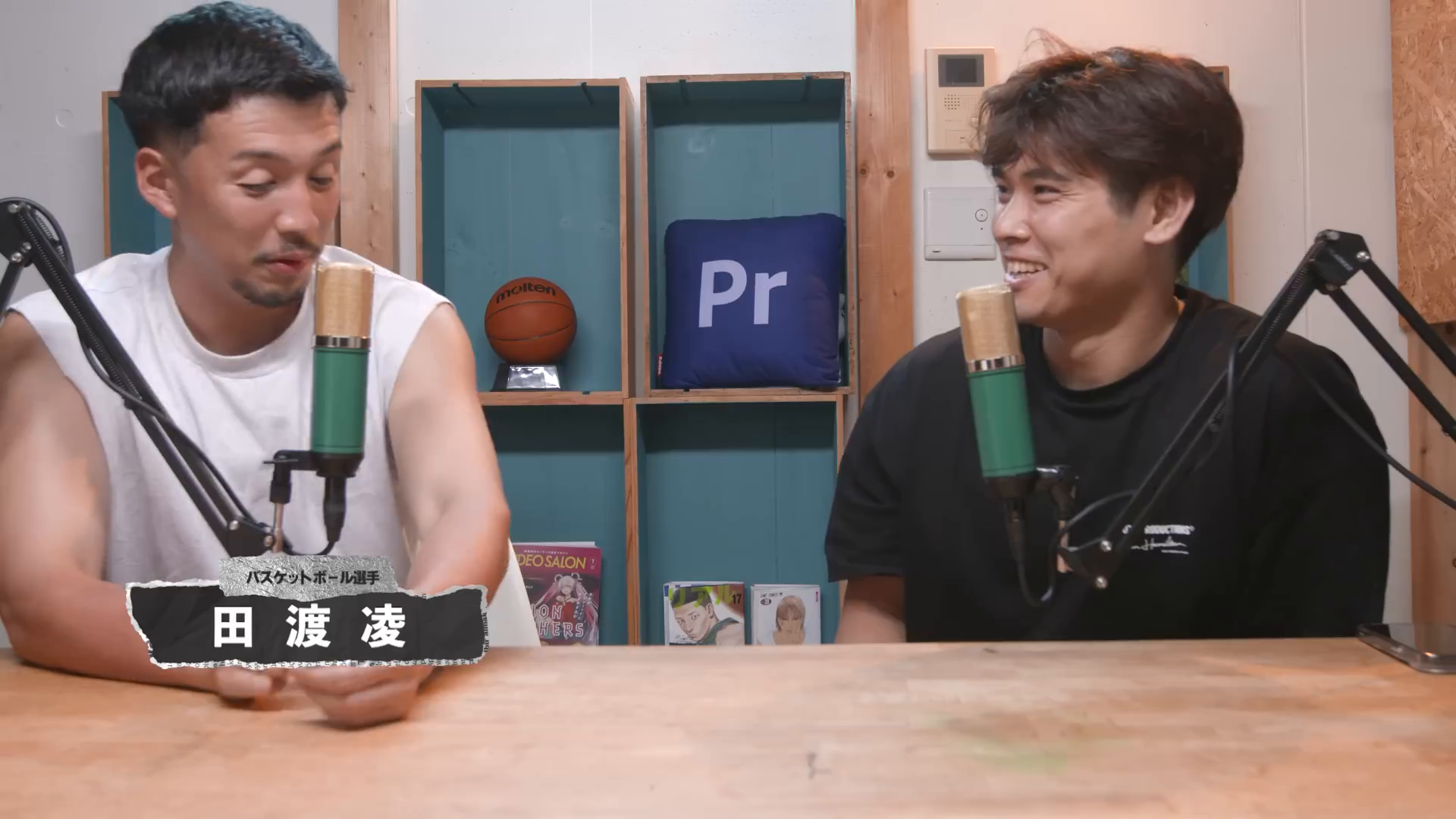
Raw Video File (Japanese Speech)
Uploaded Japanese video recording without hardcoded captions
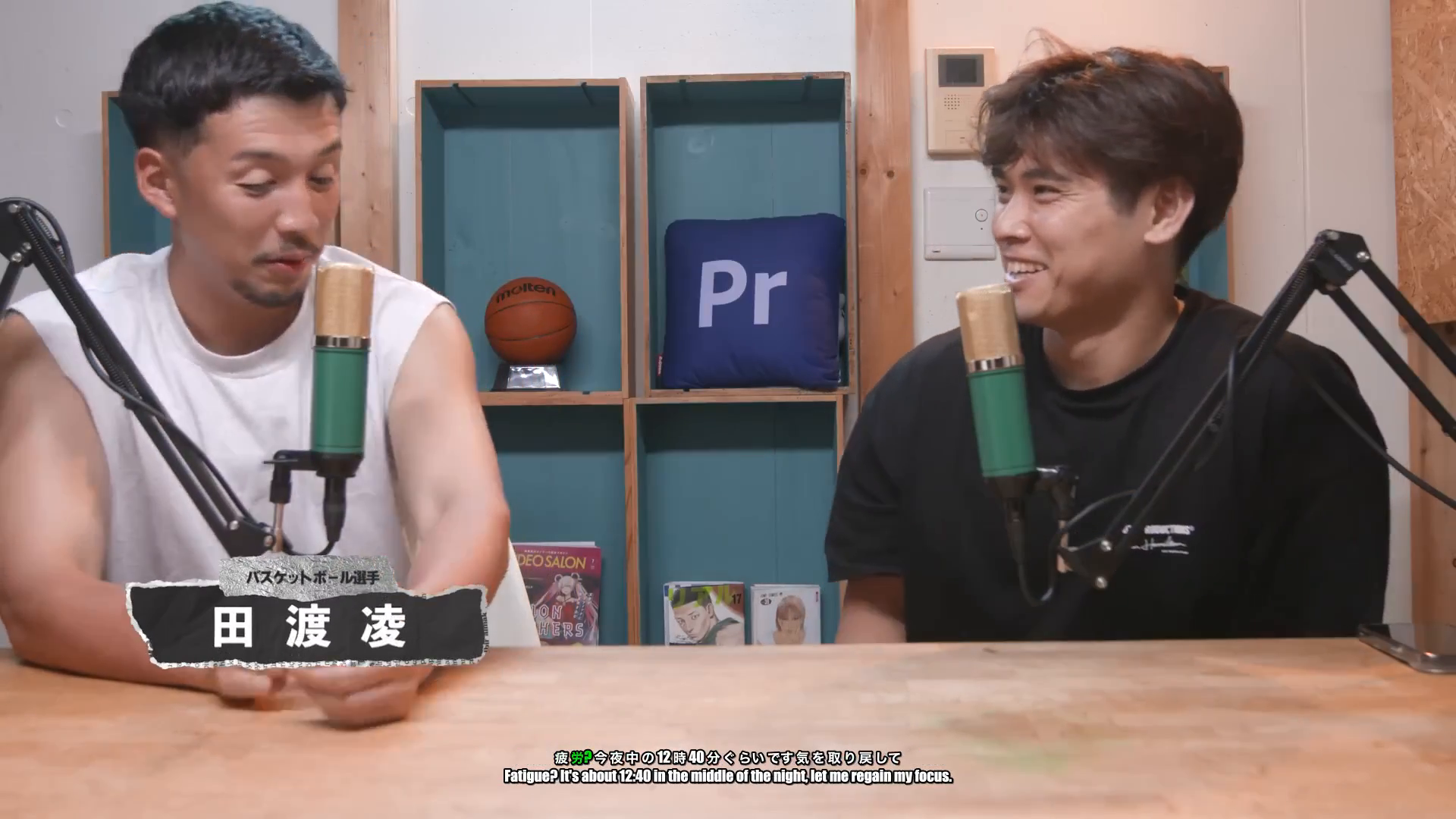
Dual Subtitled Video (Japanese + English)
Hardcoded dual subtitles showing simultaneous Japanese speech captions and English translated subtitles
AI Animated & Dual Subtitle Burner
The Auto Poster AI Subtitle Burner uses OpenAI Whisper neural transcription to automatically convert video speech from uploaded MP4/MOV files into hardcoded, animated captions. It supports single-language kinetic captions (Alex Hormozi and MrBeast styles) as well as simultaneous dual-subtitle burning (showing both original language speech and translated foreign subtitles on screen at the exact same time). Hardcoded subtitles ensure 100% visibility on sound-off feeds across TikTok, Instagram Reels, YouTube Shorts, and LinkedIn.
Who Uses AI Subtitle Burner?
Tailored solutions for content creators, agencies, marketers, and businesses.
Global Creators & Language Channels
Burn dual-language captions (Original + Target translation) on the same video to reach global viewers and language learners.
TikTok & Reels Creators
Add engaging animated captions to talking-head video uploads to keep viewers watching past 3 seconds.
E-Commerce Brands & Advertisers
Create high-converting video ads where key selling points are clearly visible without sound.
B2B Founders & Thought Leaders
Publish professional subtitled video uploads on LinkedIn to capture feed scrollers in office environments.
Key Features & Capabilities
Built for high performance content creation and maximum virality.
Dual Subtitle Burning
Display original speech captions and translated subtitles simultaneously on screen.
99% Transcription Accuracy
Powered by Whisper AI for ultra-precise speech recognition across 50+ languages.
Trendy Kinetic Styles
Choose Hormozi yellow, viral neon, clean boxes, or classic subtitles.
Automatic Emoji Placement
AI adds contextual emojis to key words for maximum viewer engagement.
How It Works in 3 Easy Steps
Fast and simple workflow directly inside Auto Poster App.
Upload Video File
Upload your MP4 or MOV video file.
Select Subtitle Mode
Pick single language or simultaneous dual-language subtitles (Original + Translated).
Export Subtitled Video
Download subtitled video or auto-post directly to your social channels.
Frequently Asked Questions
Everything you need to know about AI Subtitle Burner.
Q. Can I burn both original speech captions and translated subtitles on the video at the same time?
Yes! Select the Dual Subtitle mode to display your original spoken language captions on top and translated subtitles (e.g. Spanish, French, Japanese) directly underneath simultaneously.
Q. Why should I burn subtitles into uploaded video files instead of using SRT files?
Hardcoded (burned) subtitles render directly onto video pixels. They guarantee that your captions display consistently across every feed, mobile app, and embedded player regardless of whether native caption support is enabled.
Q. Can I edit misspoken transcript words or translated phrases before burning captions?
Yes! An interactive transcript editor allows you to edit words, fix typos, adjust word timings, and tweak translations prior to final video rendering.
Q. What languages does the automatic subtitle generator support?
Over 50 languages are supported including English, Spanish, French, German, Portuguese, Italian, Japanese, Mandarin, Arabic, and Hindi.
Q. Can I adjust font sizes and safe zones for vertical vs horizontal videos?
Yes. Position captions at top, center, or bottom safe zones to avoid overlapping TikTok UI buttons or YouTube progress bars.
Q. Does burning subtitles reduce the video output resolution?
No. The output video maintains your original source resolution up to 4K 60fps.
Ready to Try AI Subtitle Burner?
Launch Auto Poster App right now and transform your content creation workflow.