The #1 AI Auto Poster Mobile App
Automate your social media on the go. Get push notifications for approval requests, Facebook publishing reminders, and manage your content anywhere.
Free to download on iOS and Android • home.hero.badge_text
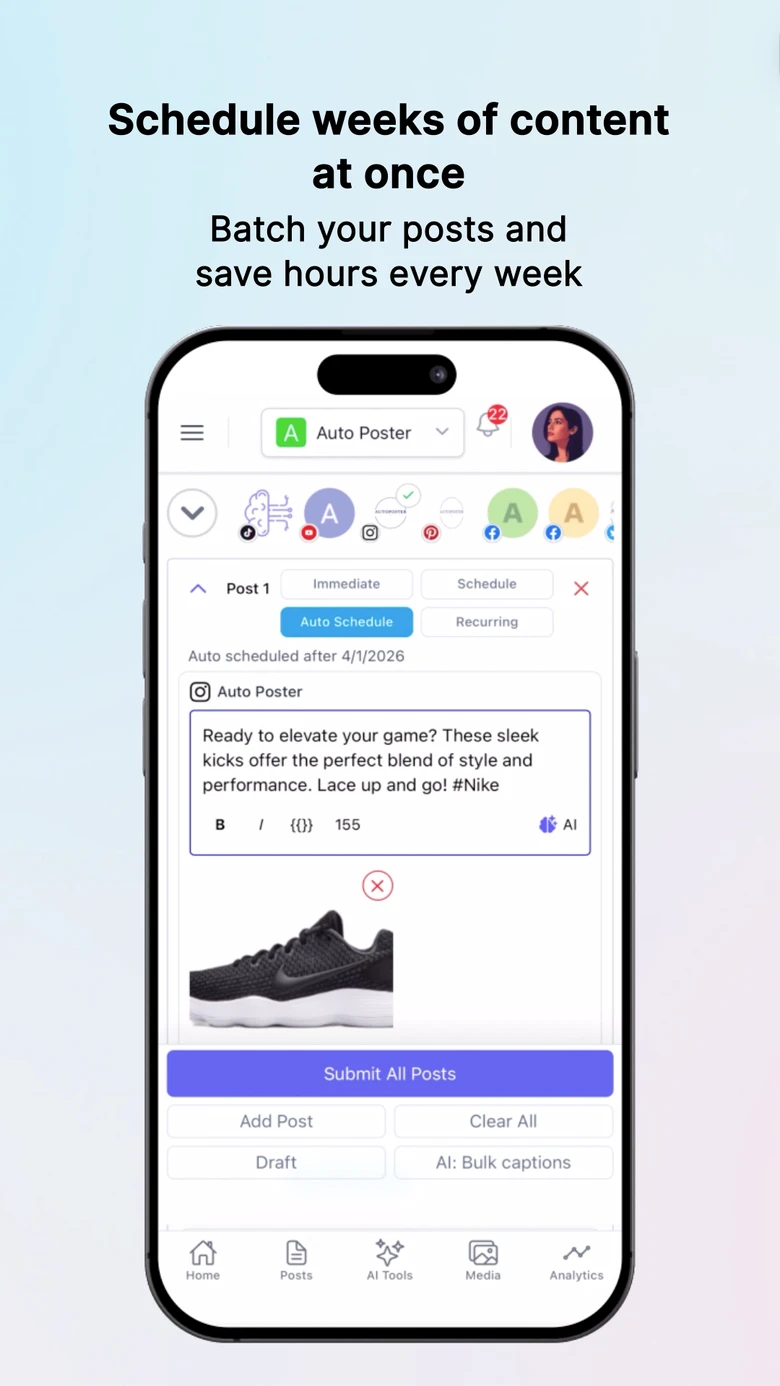
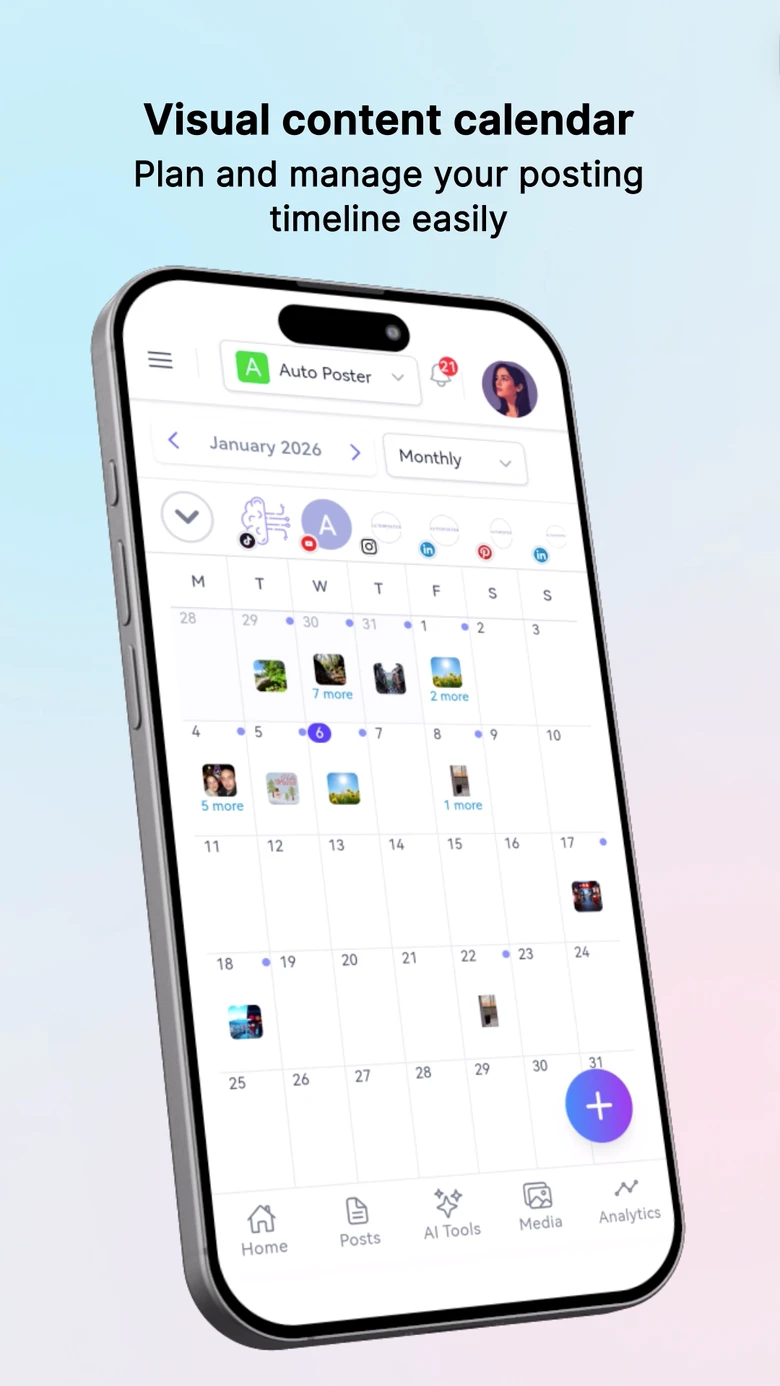
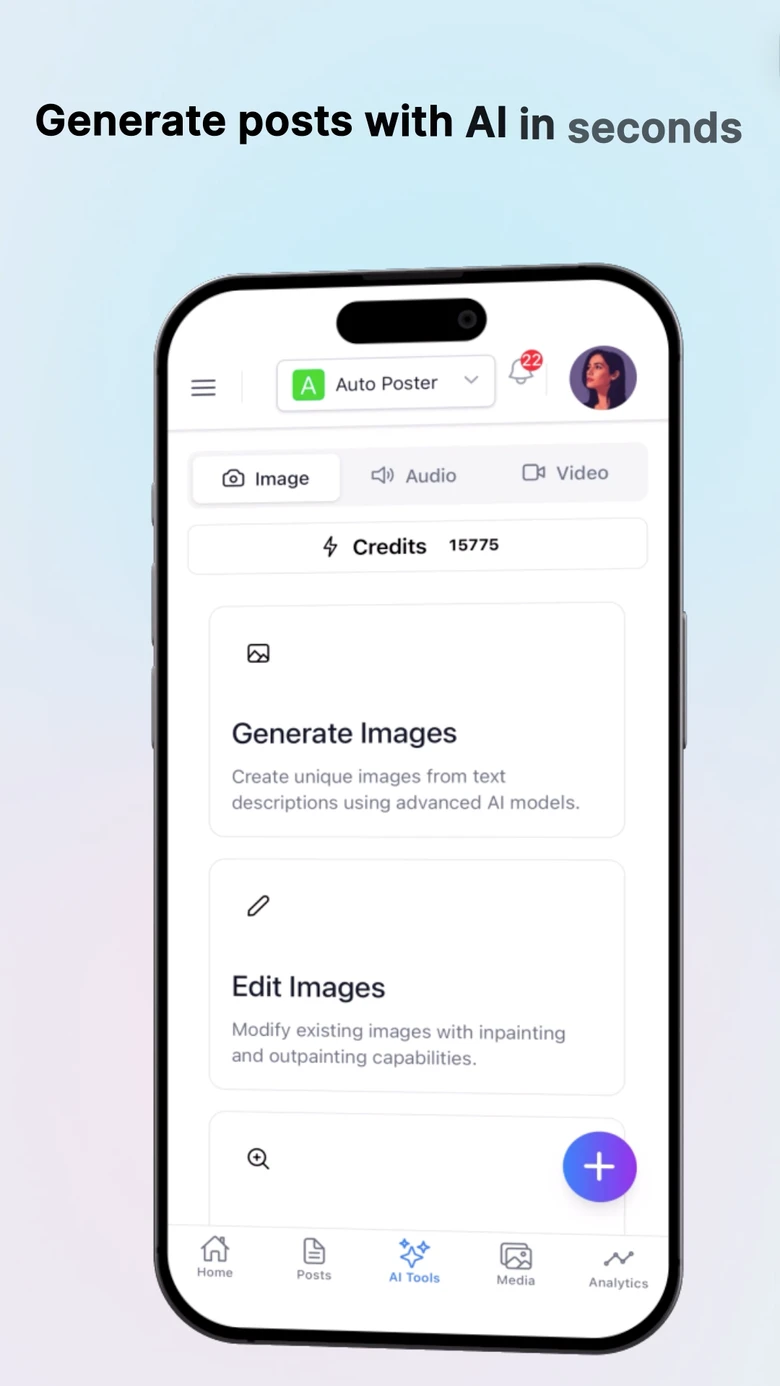
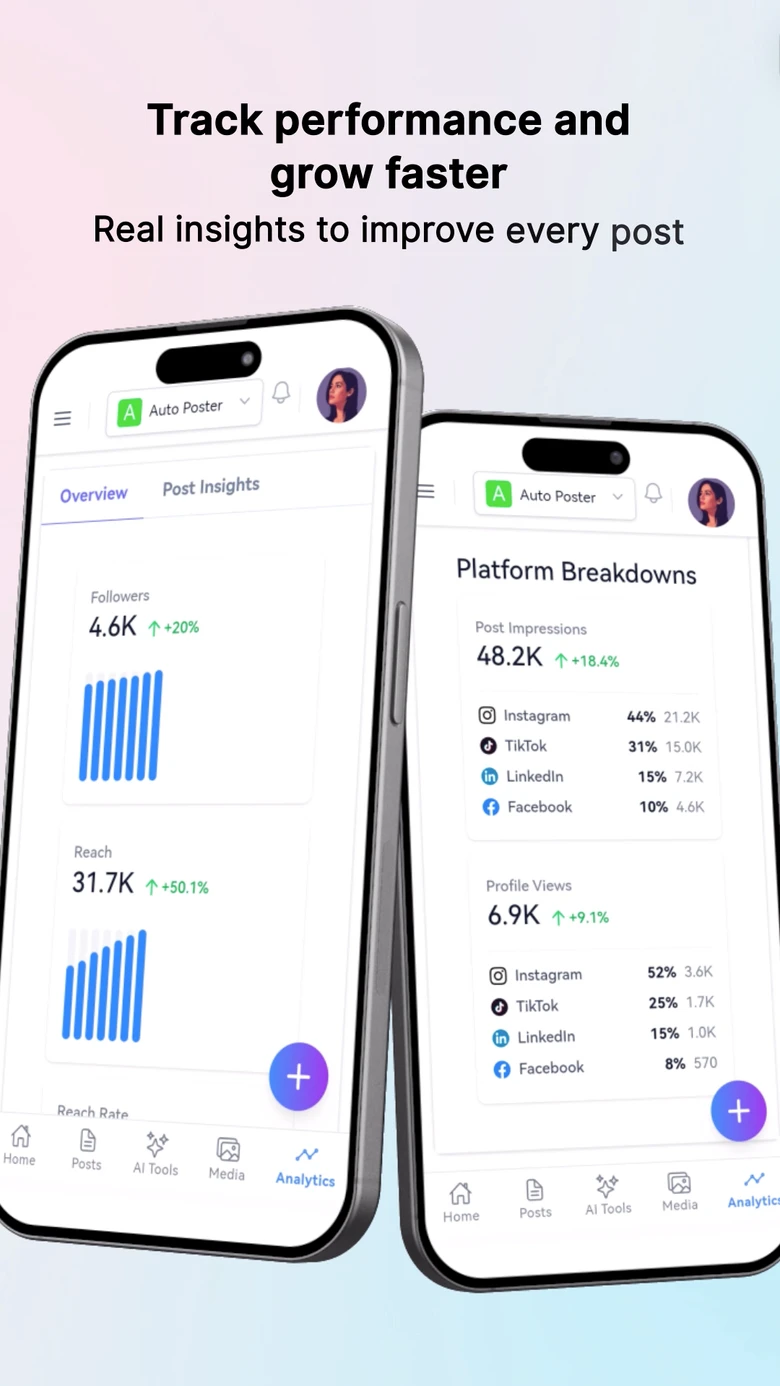
Seamlessly post to your favorite platforms
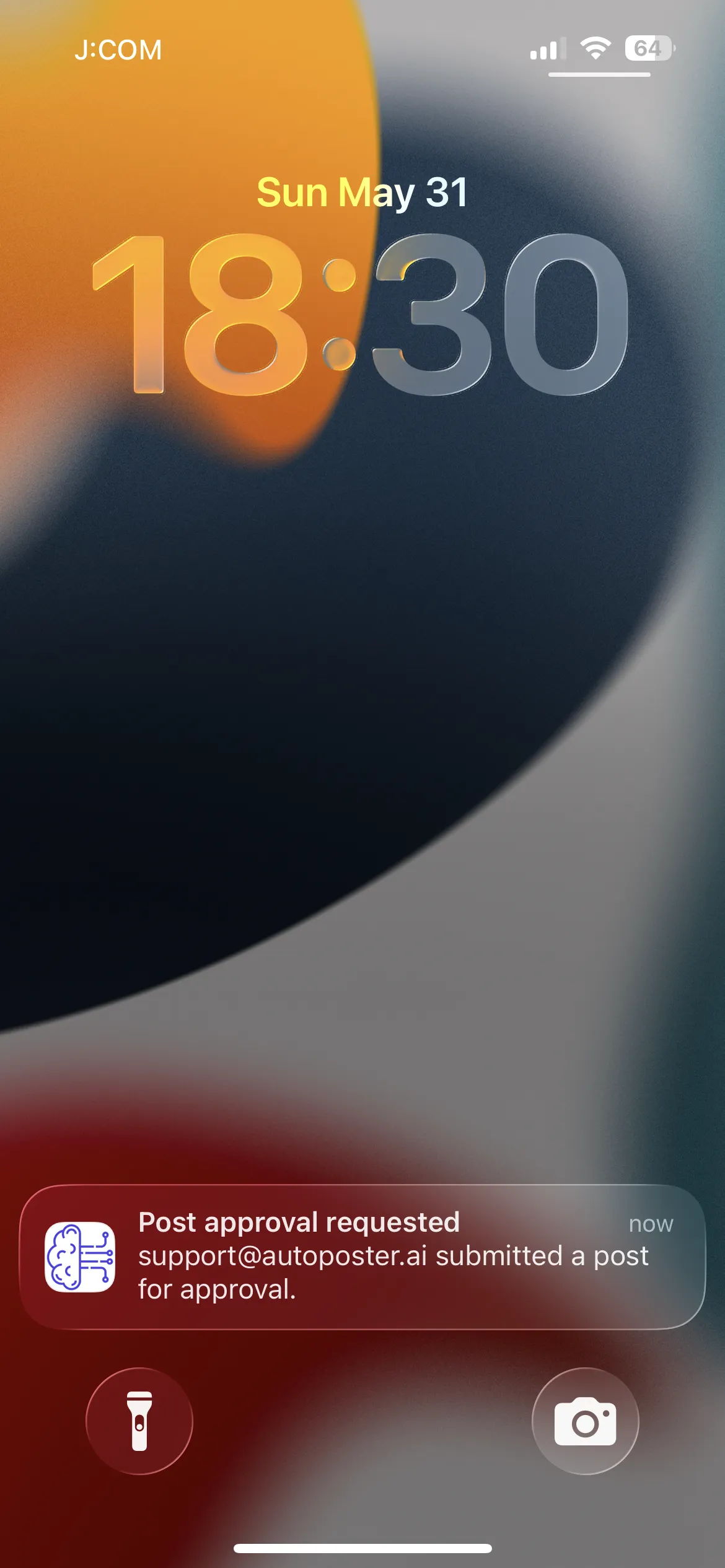
Real-Time Notifications
Never miss an approval or publishing window
Stay perfectly synced with your team and platforms. Get instant push notifications for pending approval requests, team comments, and crucial Facebook reminder publishing alerts directly on your home screen.
- Push notifications for client and team approval workflows.
- Timely alerts for Facebook and Instagram manual reminder publishing.
- Quick actions from the lock screen to approve or publish instantly.
AI Chat in Your Pocket
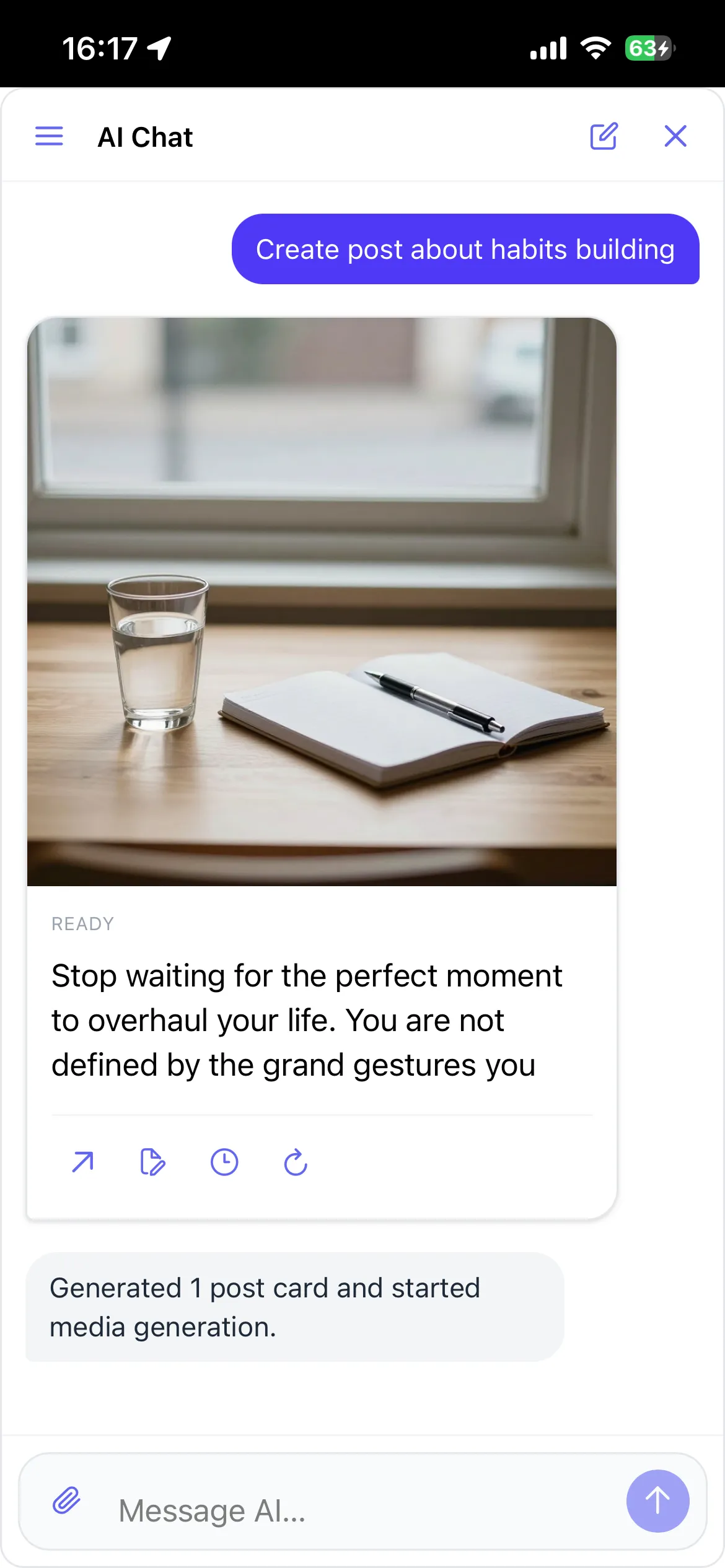
Brainstorm and generate on the go
Your 24/7 AI social media manager goes wherever you go. Chat to brainstorm ideas, write high-converting captions, and generate custom graphics while commuting or waiting in line.
- Conversational workflow optimized for mobile typing.
- Generate and refine custom visuals directly on your phone.
- Schedule posts straight from the chat interface.
Mobile Media Vault
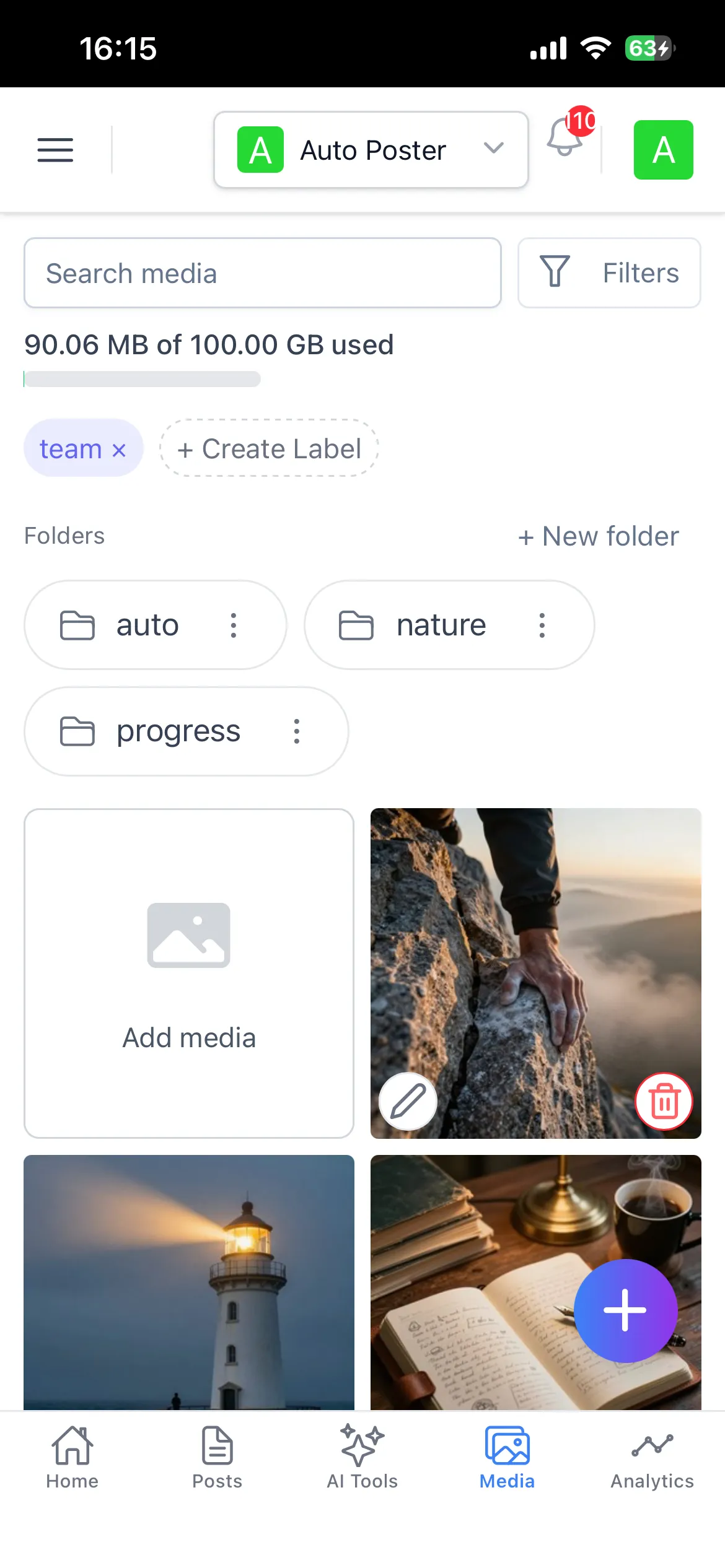
Upload directly from your camera roll
Keep your creative assets perfectly synced between your phone and desktop. Upload photos and videos directly from your camera roll, edit them in-app, and trigger bulk scheduling queues with a single tap.
- Seamlessly upload and sync assets from your mobile device.
- Built-in mobile editing for quick tweaks and cropping.
- Manage folders and bulk-schedule entirely from your phone.
Testimonials
Loved by creators & brands worldwide
“The push notifications for approval requests have saved our agency so much time. Clients just tap 'Approve' on their phone and the post is scheduled.”

“I love being able to generate AI images and write captions while I'm on the train. The mobile app is just as powerful as the desktop version.”

“Facebook reminder publishing used to be a hassle. Now my phone just buzzes when it's time to post, and I can do it in two taps.”

“Being able to upload directly from my camera roll into our shared media folders is incredible for covering live events.”

“Finally, a social media app that doesn't feel like a watered-down version of the desktop tool. It has everything.”

“The AI Chat is surprisingly fast on mobile. I can plan a whole week of content while waiting for my coffee.”

“Syncing between desktop and mobile is flawless. I can start a draft on my laptop and finish scheduling it on my phone.”

“The approval workflow notifications are a game changer. No more chasing clients over email.”

“It's the only app I need for my social media. The interface is clean, fast, and incredibly intuitive on iOS.”

Frequently asked questions
- Does the mobile app sync with the desktop version?
Yes, completely! Everything you do on the mobile app is instantly synced with your desktop dashboard, and vice versa. You can start a draft on your phone and finish it on your computer.
- Is the app available for both iOS and Android?
Yes, you can download the Auto Poster app from the Apple App Store for iOS devices, and from the Google Play Store for Android devices.
- How do approval request notifications work?
When a team member or client is assigned to review a post, they will instantly receive a push notification on their phone. They can review the media and copy, and tap 'Approve' or 'Reject' directly from the app.
- What is Facebook reminder publishing?
Certain types of content (like personal profiles) require manual publishing due to API restrictions. Our app handles this gracefully by sending you a push notification exactly when it's time to post, with the media and caption copied to your clipboard.
- Do I need to pay extra for the mobile app?
No, the mobile app is completely free to download and use for all Auto Poster AI subscribers.
Ready to scale your social media from anywhere?
Join thousands of creators and brands who save hours every week using our AI-powered mobile app. Available on iOS and Android.
Free to download • Try risk-free