Upscale Uploaded Photos To Crisp 4K Resolution
Upload a blurry image file to eliminate pixelation and restore micro-details with 4x AI upscaling.
Drop or select low-resolution image file (PNG/JPG)...
Supports PNG, JPG, WEBP image files
No credit card required. Try instantly in Auto Poster App.
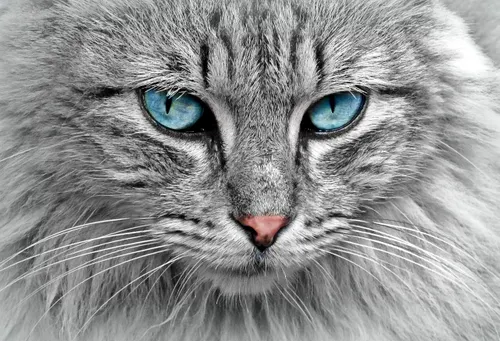
Low-Res Blurry Image File
Uploaded low-DPI graphic with visible compression artifacts
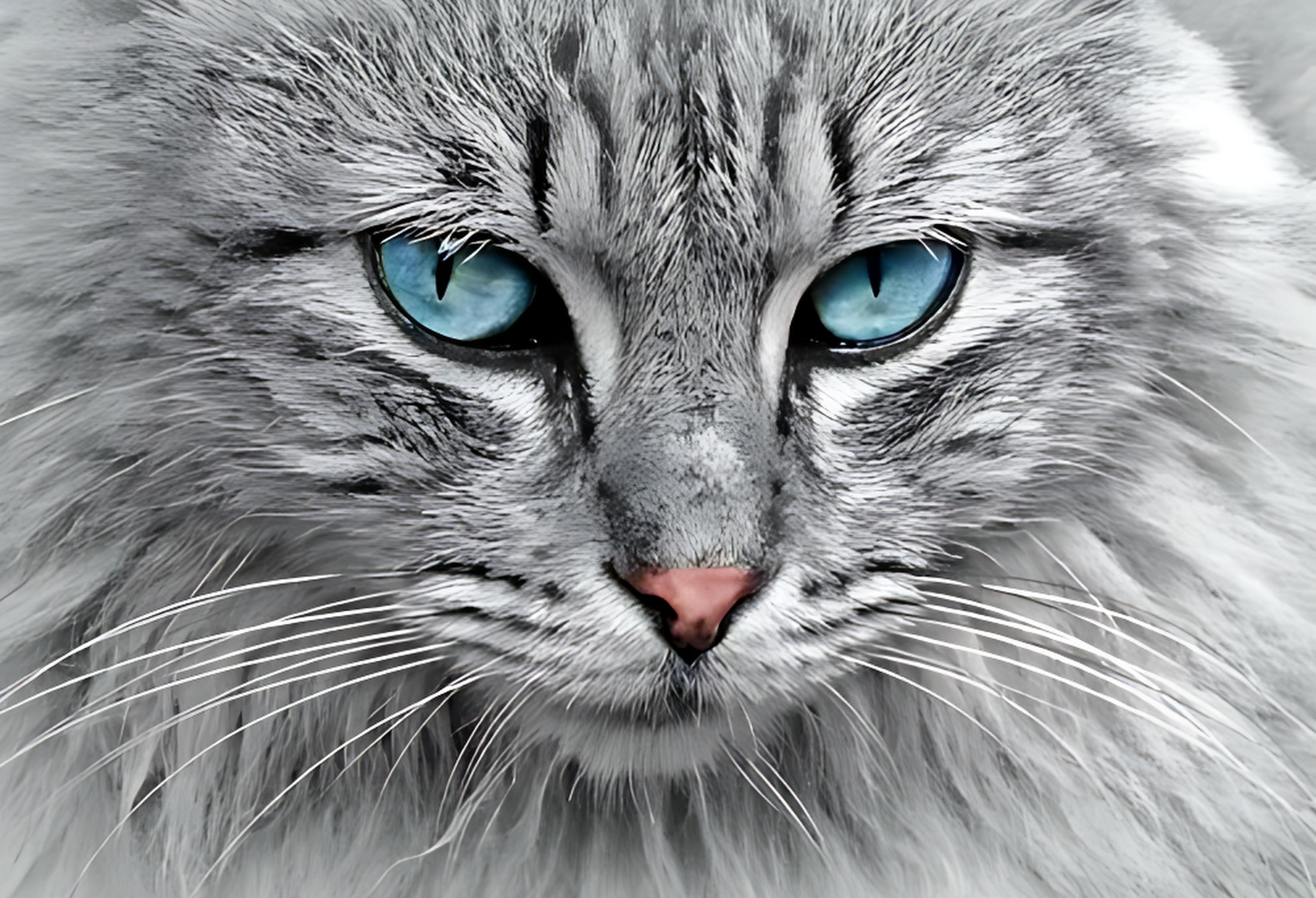
4X Enhanced Ultra HD Master
Upscaled 2000x1364 image with synthesized sharp micro-details and clean edges
AI Image Upscaler & Detail Enhancer
Auto Poster AI Image Upscaler increases low-resolution photo files up to 4K quality without pixelation or blur.
Who Uses AI Image Upscaler?
Tailored solutions for content creators, agencies, marketers, and businesses.
Print & Merchandise Designers
Enlarge digital artwork files into high-DPI resolution for t-shirts and poster printing.
E-Commerce Sellers
Enhance small supplier product image files into sharp high-res product photos.
Archivists & Family Historians
Restore old digitized family photo scans to 4K clarity.
UI & Web Designers
Upscale old web graphics and low-res logos for modern high-retina displays.
Key Features & Capabilities
Built for high performance content creation and maximum virality.
4x Resolution Boost
Transform small low-res graphics into crisp 4K assets.
De-noise & De-blur
Eliminates JPEG artifacts and motion blur.
Face Restoration
Specialized model enhances facial features sharply.
Print Ready Quality
Ideal for posters, banners, and high-DPI displays.
How It Works in 3 Easy Steps
Fast and simple workflow directly inside Auto Poster App.
Upload Image File
Select blurry or small image file.
Select Upscale Multiplier
Choose 2x, 4x, or 8x enhance.
Download HD Image
Get high resolution clean image.
Frequently Asked Questions
Everything you need to know about AI Image Upscaler.
Q. How does AI upscaling differ from traditional image resizing?
Traditional resizing stretches existing pixels causing blur and pixelation. AI upscaling uses deep learning to predict and synthesize missing micro-details, sharp edges, and skin textures.
Q. Can I upscale low-resolution images up to 4K resolution?
Yes! Choose 2x, 4x, or 8x scaling factors to convert small images into 4K or 8K resolution graphics.
Q. Does the tool fix out-of-focus facial blur in portraits?
Yes! Specialized face restoration models reconstruct eye details, teeth, and hair strands sharply.
Q. Can it clean JPEG compression artifacts and noise from web images?
Yes, de-noising algorithms eliminate blocky JPEG artifacts and digital noise.
Q. Are upscaled images suitable for large format physical printing?
Yes! Output DPI and pixel dimensions meet print standards for posters, merchandise, and banners.
Q. What is the maximum file upload size?
Upload images up to 25MB in PNG, JPG, WEBP, or TIFF format.
Ready to Try AI Image Upscaler?
Launch Auto Poster App right now and transform your content creation workflow.