Edit Uploaded Photos With Natural Speech & Multiple Images
Upload one or multiple image files and describe what to change, swap, or combine in plain English.
Supports PNG, JPG, WEBP image files
No credit card required. Try instantly in Auto Poster App.
3 Source Images + Natural English Instruction
3 uploaded source image files combined with natural language instruction
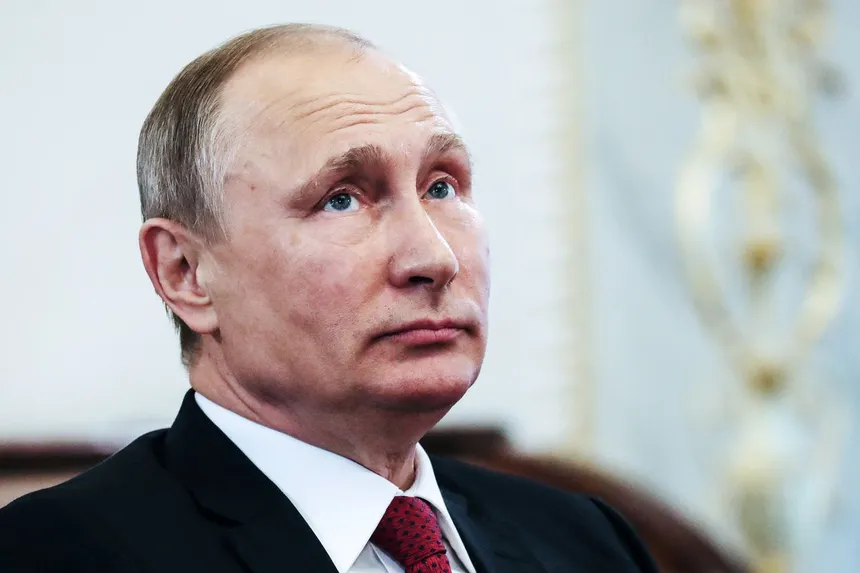
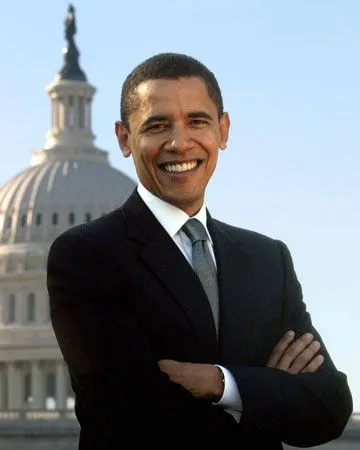
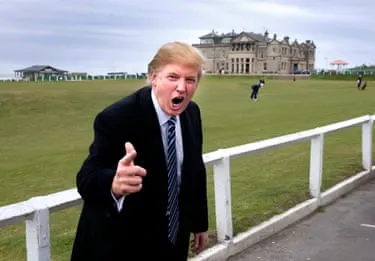
Man playing golf
3-to-1 Combined & Edited Master
Single high-resolution photorealistic composite combining all 3 source image elements
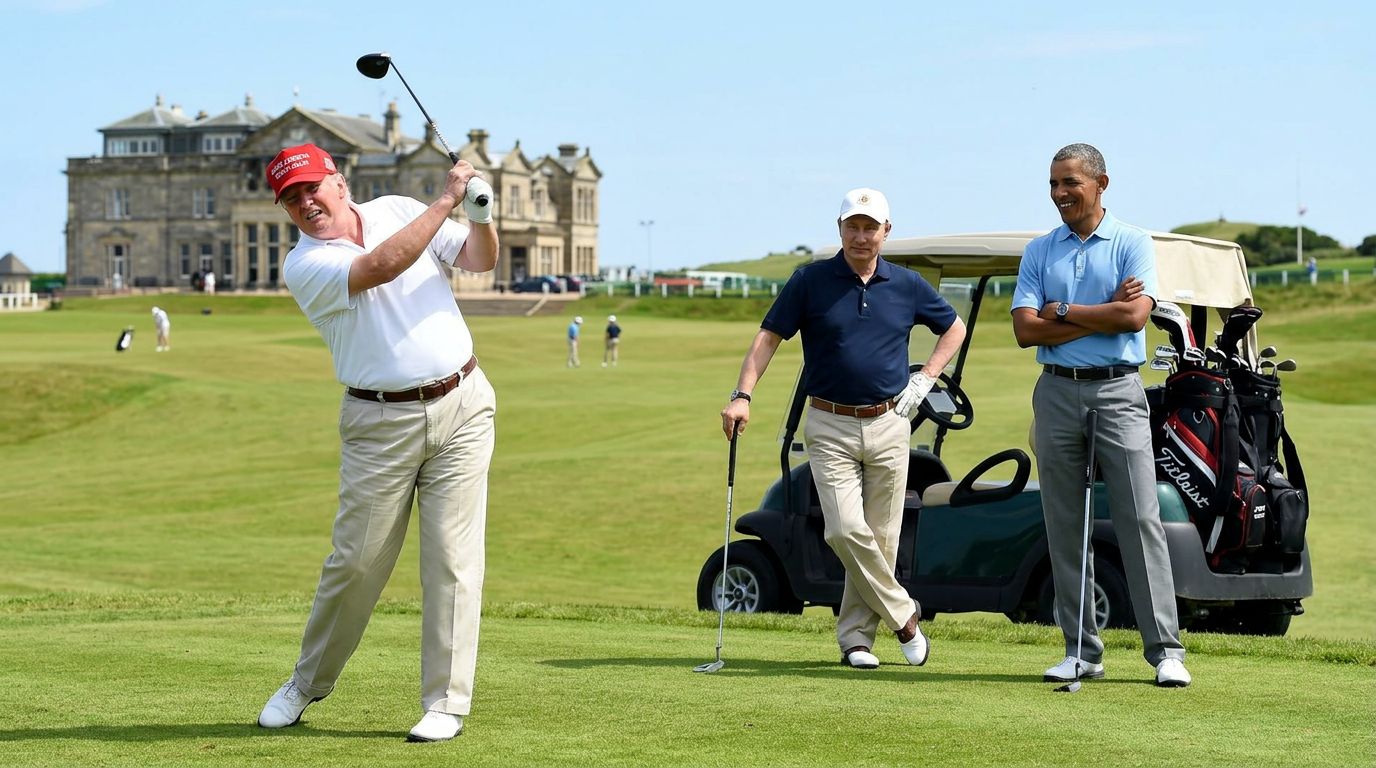
AI Multi-Image & Natural Speech Image Editor
Auto Poster AI Natural Speech Image Editor enables photo editing using plain conversational instructions across uploaded image files.
Who Uses AI Natural Speech Image Editor?
Tailored solutions for content creators, agencies, marketers, and businesses.
E-Commerce Product Photography
Swap product backgrounds and adjust lighting across entire catalog image batches.
Fashion & Apparel Brands
Change clothing colors and pattern designs on model photo files with simple text instructions.
Real Estate Staging
Change wall colors, add furniture items, and enhance room lighting in property photo files.
Graphic Designers & Marketers
Combine elements from multiple uploaded brand image files into new creative ad layouts fast.
Key Features & Capabilities
Built for high performance content creation and maximum virality.
Natural Speech Prompting
Describe your edit ideas in natural everyday English.
Multi-Image Batch Support
Upload and edit multiple images simultaneously.
Contextual AI Blending
AI preserves lighting, shadows, and realistic perspective.
Object Swap & Style Transfer
Swap background elements, clothing, or color palettes effortlessly.
How It Works in 3 Easy Steps
Fast and simple workflow directly inside Auto Poster App.
Upload Image File(s)
Upload one or multiple photos to edit.
Describe Edits
Type natural language instructions for desired changes.
Generate & Export
Download your edited high resolution image.
Frequently Asked Questions
Everything you need to know about AI Natural Speech Image Editor.
Q. How does natural speech photo editing work without manual selection tools?
The AI uses vision-language reasoning to identify objects, subjects, backgrounds, and colors in your photo. It executes your text instructions while maintaining lighting, depth, and realism.
Q. Can I upload multiple source photos to edit or combine together?
Yes! Upload multiple image files (e.g. a product photo and a background scene) and instruct the AI to merge them into a single composition.
Q. Can I change specific clothing or background items without altering the person's face?
Yes. The AI preserves subject identities and facial features while modifying specified elements like clothing, hair color, or background props.
Q. Does the output image maintain original resolution and sharpness?
Yes, edited photos export in original full-resolution HD quality.
Q. Can I undo or refine edits with follow-up prompts?
Yes, type iterative text prompts (e.g., "make the red slightly darker") to refine your result.
Q. What file formats are supported for upload and export?
Supports PNG, JPG, WebM, and WebP formats.
Ready to Try AI Natural Speech Image Editor?
Launch Auto Poster App right now and transform your content creation workflow.