Translate Video Dialogue & Generate Multilingual SRT Files with AI (2026 Guide)
Turn video speech into translated scripts and timestamped SRT/VTT subtitle files in 50+ languages — and rank your videos in foreign search.
Google and YouTube can't watch your videos — but they read every word of the captions, transcripts, and metadata attached to them. That single fact makes translated subtitles one of the highest-leverage SEO moves available to any video creator: one upload can suddenly rank for search queries in 50+ countries.
Auto Poster AI Video Translator automates the entire pipeline. Upload a video and it outputs translated, timestamped scripts plus ready-to-upload .srt and .vtt subtitle files in your target languages.
1. Why Translated Subtitles Boost Reach
- Organic search indexing — a Spanish or Japanese SRT file makes your video discoverable in regional search results across Latin America, Japan, and Europe.
- Better retention — non-native speakers follow complex technical or storytelling content far longer when reading their own language.
- Accessibility compliance — accurate timestamped captions help satisfy ADA and corporate accessibility requirements.
2. What the Translator Actually Outputs
Unlike voice dubbing, this tool works in text, which keeps the workflow fast and editable:
- A timestamped translated script with speaker labels.
- Standard
.srtand.vttsubtitle files ready for YouTube Studio, Vimeo, Premiere Pro, and CapCut. - A side-by-side view of the original speech and the translated lines so you can verify accuracy before publishing.
3. See It In Action: Live Demo
This showcase translates a health podcast clip into Spanish. Copy the translated script or download the subtitle file directly from the output card.
16:9 Long-Form Master Video
Uploaded 33-minute Huberman Lab podcast recording
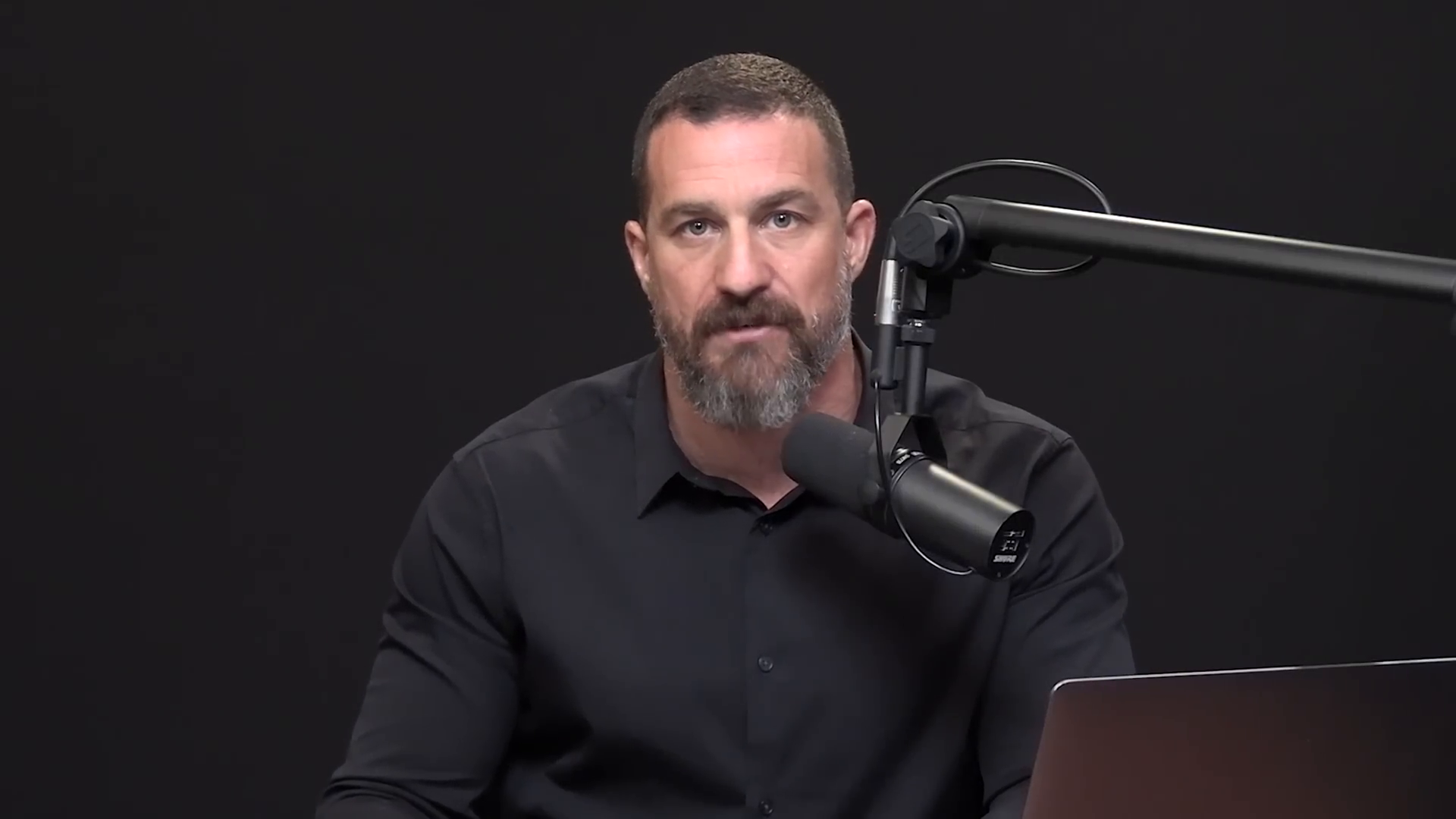
Translated Multilingual Script & SRT
Timestamped translated script and formatted SRT/VTT subtitle document in Spanish
[Spanish (ES) Translated Script]: [00:00:00] Andrew Huberman: "Bienvenidos a Huberman Lab Essentials, donde revisamos episodios anteriores para obtener las herramientas científicas más potentes y prácticas para la salud mental, física y rendimiento." [00:00:11] Andrew Huberman: "Soy Andrew Huberman, profesor de neurobiología y oftalmología en la Escuela de Medicina de Stanford." [00:00:32] Jocko Willink: "La disciplina es libertad. Cuando tomas posesión extrema de tu mañana y tu mentalidad, todo lo demás fluye." [00:00:55] Andrew Huberman: "La capacidad de regular el sistema nervioso y mantener el enfoque bajo presión extrema marca la diferencia entre el éxito y el colapso."
4. Step-by-Step: Export Multilingual Subtitles
Step 1: Upload the video
Drop in an MP4, MOV, or WebM file — or let the AI auto-detect the source language.
Step 2: Choose target languages
Pick from 50+ languages, and batch-generate multiple subtitle files from one upload.
Step 3: Review and export
Edit lines in the interactive editor, then download .srt or .vtt files or copy the transcript to your clipboard.
Frequently Asked Questions
Is the output compatible with Premiere Pro and Final Cut?
Yes — exported SRT and VTT files use standard UTF-8 formatting and import cleanly into Adobe, DaVinci Resolve, Final Cut, and CapCut.
How accurate is the translation for technical jargon?
The translation model is domain-adapted, so medical, legal, and technical terms are translated with context rather than word-for-word.
Can I translate one video into multiple languages at once?
Yes — generate 10+ foreign-language subtitle files from a single upload in one batch.
Ready to automate your social media?
Join thousands of businesses and creators who trust AutoPoster AI to automate their social media presence.