Transcribe Video Footage to Timestamped Text in Seconds (2026 Guide)
Convert webinars, podcasts, and meeting recordings into accurate, searchable transcripts with Whisper AI and speaker diarization.
Manual transcription is one of the slowest jobs in media. Human transcriptionists typically bill four hours of work for every one hour of audio, at $1.50 to $3.00 per minute. For journalists, researchers, podcasters, and legal teams, that cost and delay turns every recording into a bottleneck.
Auto Poster AI Video Transcriber removes the bottleneck. Powered by Whisper neural models, it converts a 60-minute video into a clean, timestamped transcript in under 30 seconds — with automatic speaker labeling.
1. What Modern Neural Transcription Delivers
- Speaker diarization labels who spoke when — Interviewer, Guest 1, Dr. Andrew — so multi-person recordings stay readable.
- Context-aware formatting handles contractions, proper nouns, acronyms, and sentence boundaries correctly.
- Interactive search lets you click any keyword in the transcript and jump the video player to that exact second.
2. From Recording to Repurposed Content
A transcript isn't a dead-end document — it's the raw material for a content engine:
- Podcasters publish full episode transcripts for SEO and accessibility.
- Marketers turn webinar recordings into blog posts, ebooks, and newsletters.
- Journalists pull exact quotes with timestamps, eliminating re-listening.
- Legal and medical teams archive depositions and proceedings with reliable timecodes.
3. See It In Action: Live Demo
This showcase transcribes a 33-minute podcast into a speaker-labeled, timestamped transcript. Copy the text or download the file from the output card.
16:9 Long-Form Master Video
Uploaded 33-minute Huberman Lab podcast recording
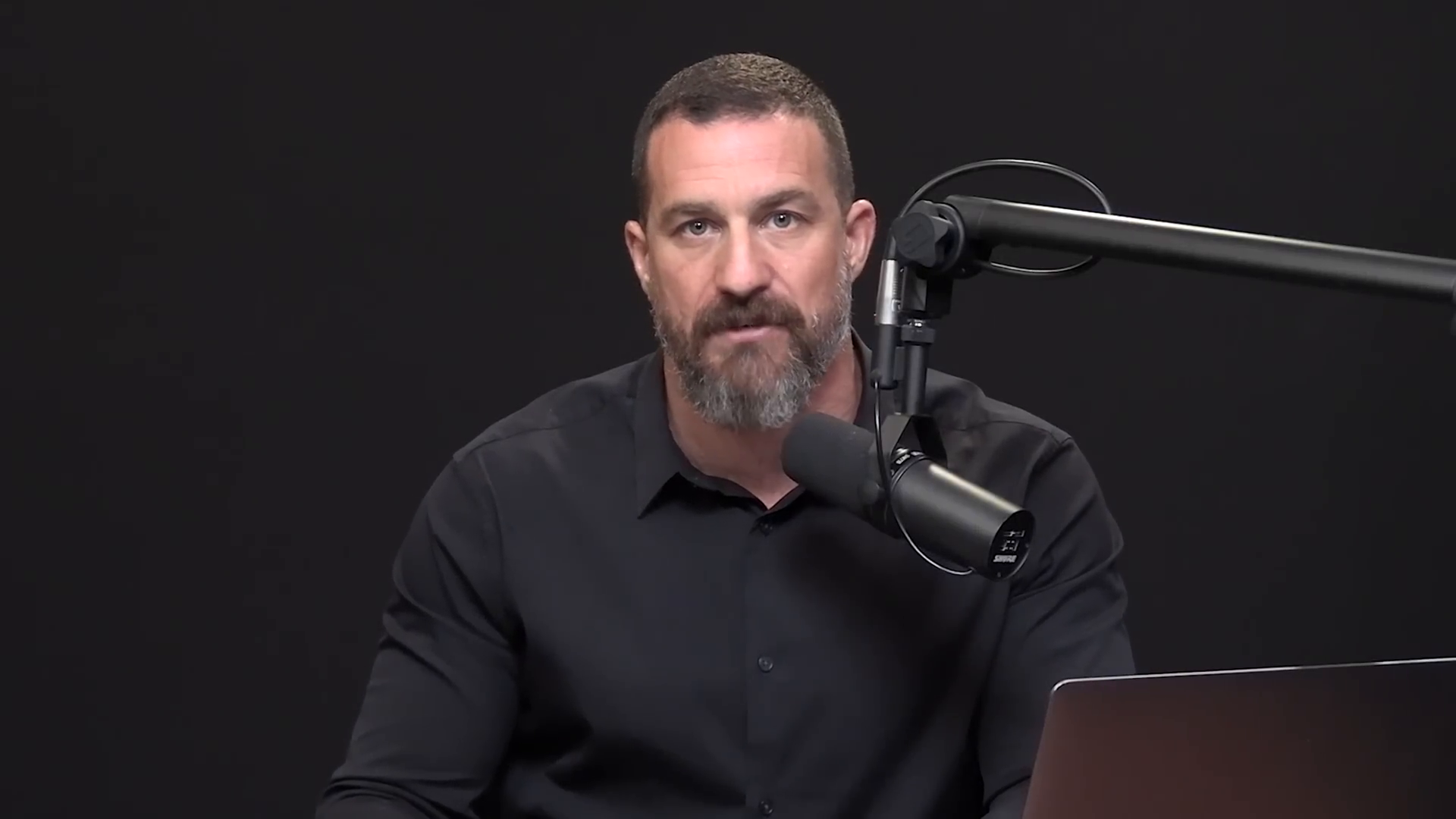
Timestamped Formatted Transcript
Searchable transcript with speaker identification and timecodes
[00:00:00 - 00:00:09] SPEAKER_00 (Andrew Huberman): "Welcome to Huberman Lab Essentials where we revisit past episodes for the most potent and actionable science-based tools for mental health, physical health, and performance." [00:00:11 - 00:00:46] SPEAKER_00 (Andrew Huberman): "I'm Andrew Huberman and I'm a professor of neurobiology and ophthalmology at Stanford School of Medicine." [00:00:48 - 00:01:15] SPEAKER_01 (Jocko Willink): "When you hit a wall, stop dwelling and start doing. Action is the fastest cure for any problem you are facing."
4. Step-by-Step: Transcribe a Video File
Step 1: Upload
Provide an MP4, MOV, WebM, AVI, or MKV file.
Step 2: AI transcribes and labels speakers
The Whisper pipeline converts speech to text and separates speakers with millisecond timecodes.
Step 3: Search, edit, and export
Find key topics, correct any industry acronyms, and download as TXT, DOCX, or SRT.
Frequently Asked Questions
How does it handle background music or noise?
Whisper models are trained on diverse noisy audio, effectively isolating speech from background music and ambient sound.
Can I export captions for YouTube SEO?
Yes — export SRT or VTT files ready for YouTube Studio.
Is my video confidential?
Yes. Files are processed on encrypted servers and never used to train public models.
Ready to automate your social media?
Join thousands of businesses and creators who trust AutoPoster AI to automate their social media presence.