Character Consistency in AI: Keep the Same Face Across Every Scene (2026 Guide)
Lock facial identity across unlimited AI-generated scenes, outfits, and styles — for virtual influencers, brand mascots, and storybooks.
Generative AI's biggest creative weakness has always been character drift — generate the same character twice and the face subtly changes every time. For anyone building a brand around a recurring persona, that inconsistency is fatal.
Auto Poster AI Character Consistency solves it by locking facial identity from a single reference photo, so you can generate unlimited scenes featuring the exact same face.
1. How Identity Locking Works
- Face embedding extraction — the AI analyzes facial bone structure, eye spacing, nose bridge, and jawline from one reference photo.
- Latent identity injection — that identity vector is injected into each new image generation, keeping the face consistent across different outfits, lighting, and environments.
You control the clothing, pose, expression, and setting in the prompt; the face stays locked.
2. Who Builds With Consistent Characters
- Virtual influencers generate endless lifestyle photos of the same digital persona.
- Brand marketers place a mascot into seasonal campaign banners.
- Children's book illustrators render the same protagonist across every page.
- Game developers create multi-pose concept art of the same character.
3. See It In Action: Live Demo
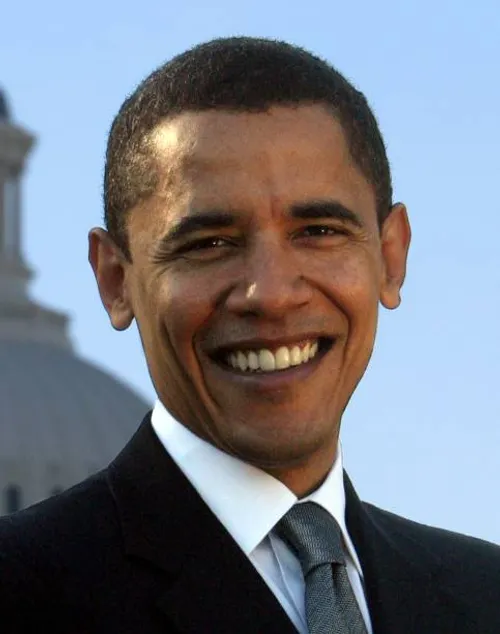
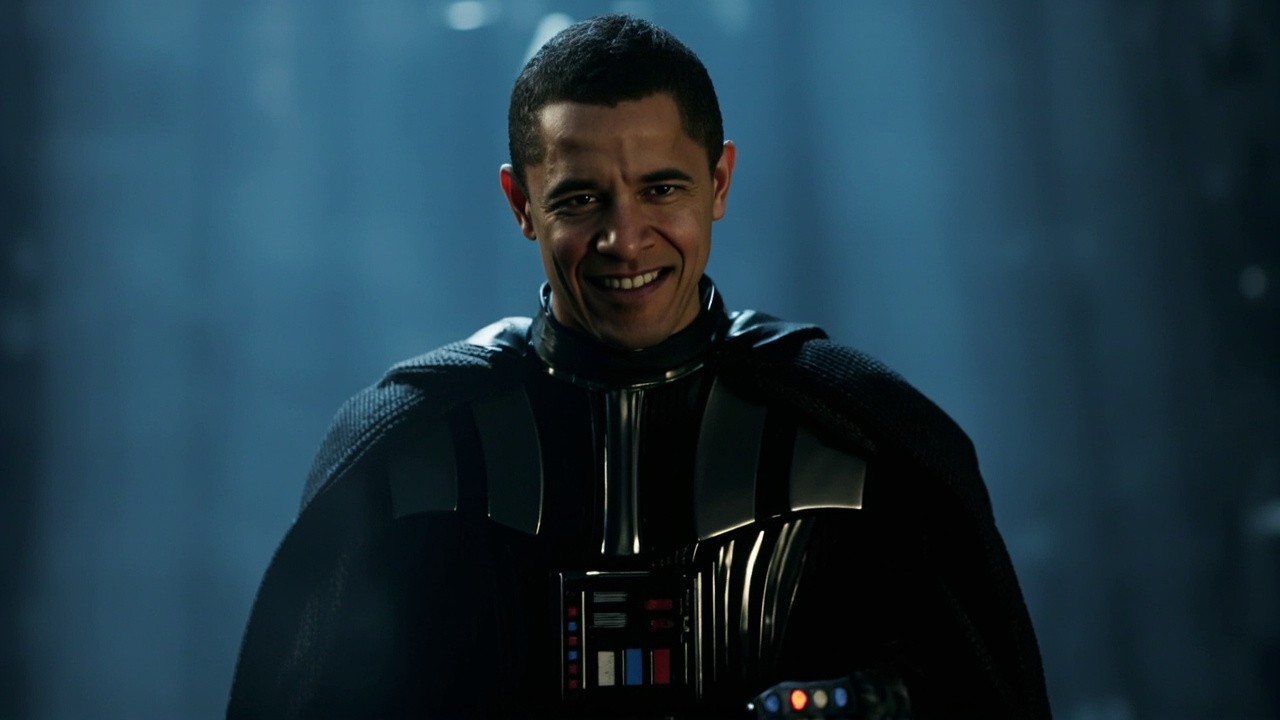
This showcase locks a face from a reference image and re-renders the same character in a new outfit and setting. Click the output to view it.
Face Sample Upload + New Scene Prompt
Target character facial reference paired with a new scene description
Man in Darth Vader costume
Consistent Character Generation
Synthesized photograph featuring the exact same facial proportions in the new setting
4. Step-by-Step: Create a Consistent Character
Step 1: Upload a face reference
One clear frontal photo is enough to lock the identity.
Step 2: Prompt the new scene
Describe the outfit, pose, background, and lighting — the face stays identical.
Step 3: Generate and iterate
Produce unlimited scenes with the same character, ready for publishing.
Frequently Asked Questions
How does the AI keep the face identical across prompts?
A facial-embedding model locks 3D facial proportions, skin tone, eye shape, and features while the prompt controls clothing, pose, and environment.
Can I keep the same character in different art styles?
Yes — maintain identity across photorealistic, 3D render, comic, anime, and vector styles.
Is it suitable for building an AI influencer?
Yes — generate lifestyle, travel, and fashion photos featuring the exact same digital persona.
Ready to automate your social media?
Join thousands of businesses and creators who trust AutoPoster AI to automate their social media presence.