AI Photo Editing: Combine Multiple Images with Natural Language (2026 Guide)
Edit photos with plain-English instructions and fuse up to 3 images into one seamless composite — no Photoshop masks or layers needed.
Traditional photo compositing means hours of pen-tool cutouts, hair masking, edge feathering, and color grading — skills that take years to master. And that's before you even touch lighting and perspective.
Auto Poster AI Image Editor removes the skill barrier. Upload one or more photos, describe the change in plain English, and the AI handles masking, perspective matching, contact shadows, and color harmonization automatically.
1. How Multi-Image Fusion Works
- Subject isolation — the AI extracts the main subject with sub-pixel edge detection.
- Perspective matching — the subject is placed into the 3D perspective of the background image.
- Lighting harmonization — color temperature and light direction are sampled and matched, with realistic contact shadows cast on the ground.
The result is a single photorealistic composite that would take a professional retoucher an afternoon.
2. What You Can Do With Plain English
- Change a product background across an entire catalog batch.
- Swap clothing colors on model photos without re-shooting.
- Stage real estate — change wall colors, add furniture, enhance room lighting.
- Combine brand assets from multiple images into new ad layouts.
3. See It In Action: Live Demo
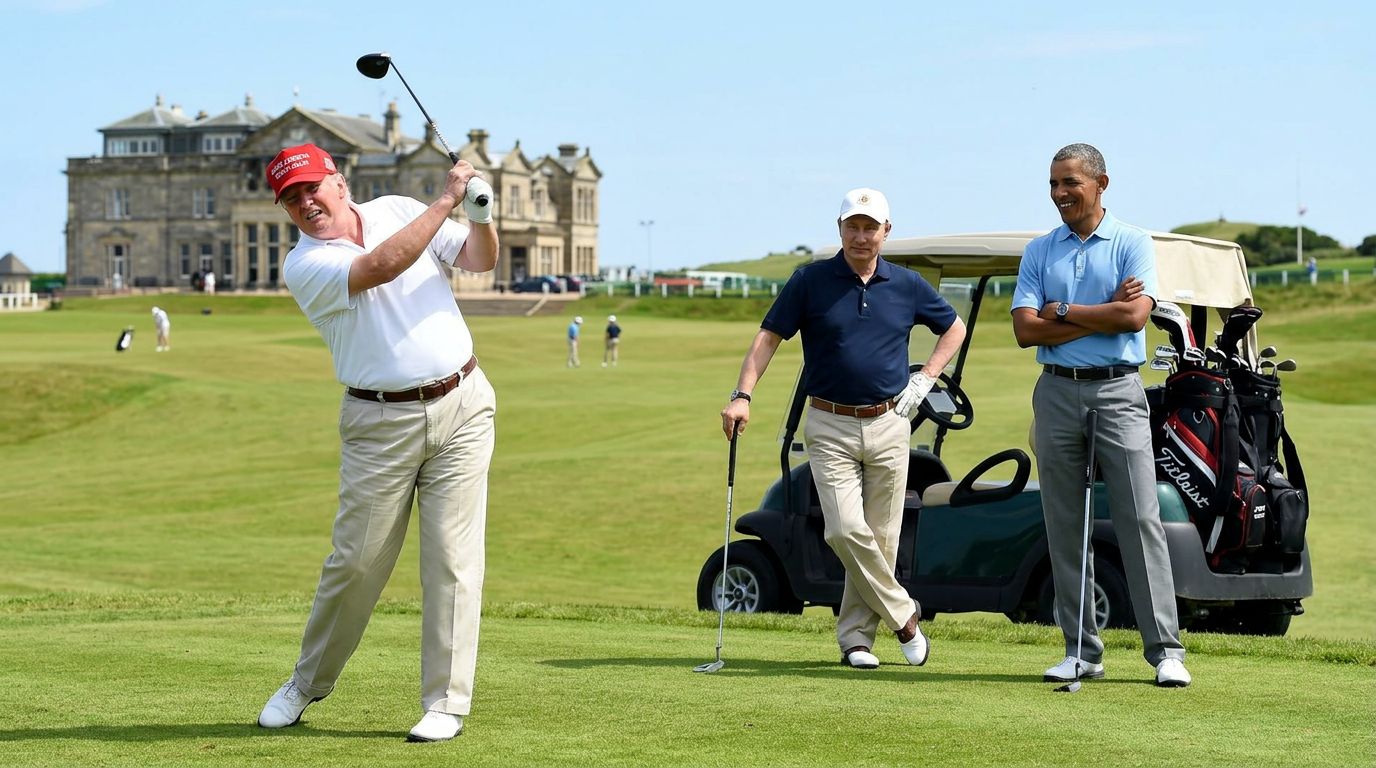
This showcase fuses three source images — a subject, a background, and a lighting reference — into one composite using the instruction "Man playing golf."
3 Source Images + Natural English Instruction
3 uploaded source image files combined with natural language instruction
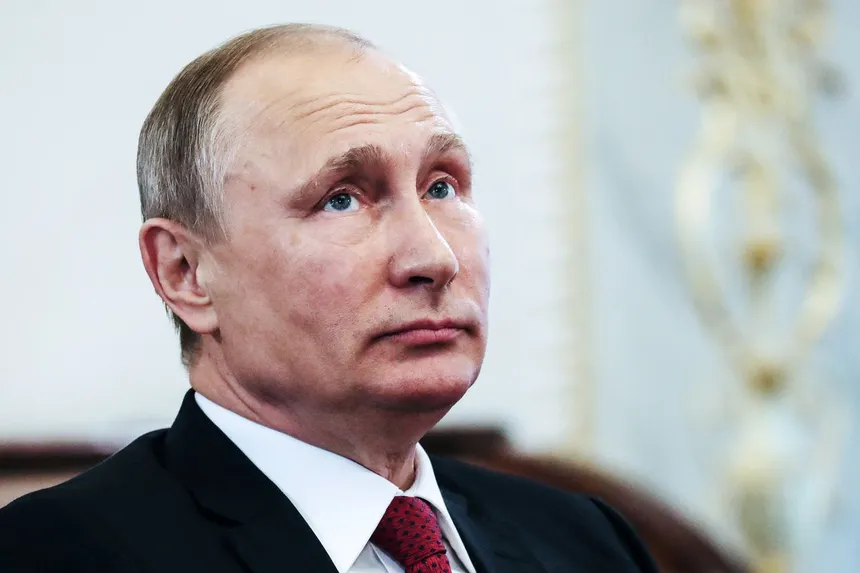
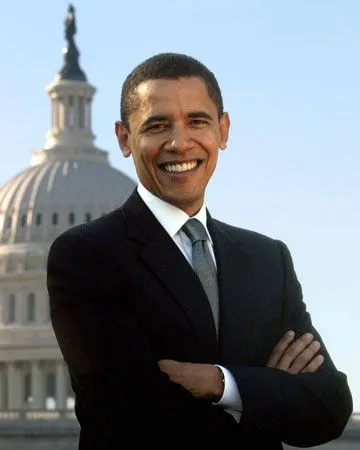
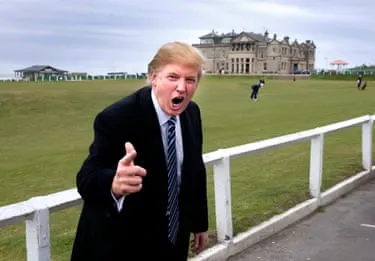
Man playing golf
3-to-1 Combined & Edited Master
Single high-resolution photorealistic composite combining all 3 source image elements
4. Step-by-Step: Edit Photos With Text
Step 1: Upload image(s)
Provide one photo or up to three source images to combine.
Step 2: Describe the edit
Type natural instructions like "change the shirt to emerald green" or "place the subject on a sunset golf course."
Step 3: Refine and export
Iterate with follow-up prompts, then download at full original resolution.
Frequently Asked Questions
How does natural-language editing work without selection tools?
The AI uses vision-language reasoning to identify subjects, backgrounds, and colors, then executes your text instructions while preserving lighting and realism.
Can I combine multiple photos into one?
Yes — upload up to three images and instruct the AI to merge them into a single composition.
Can I change clothing without altering the face?
Yes — subject identities and facial features are preserved while clothing, hair color, or backgrounds change.
Ready to automate your social media?
Join thousands of businesses and creators who trust AutoPoster AI to automate their social media presence.