Animate Still Portraits into Speaking Videos with AI (2026 Guide)
Bring still photos, historical portraits, and brand mascots to life with AI lip-sync and facial animation — no video footage needed.
A single photograph is a frozen moment. A talking photograph is a story. Animating a still portrait into a speaking video was once the domain of expensive visual-effects studios; today, one AI pass can add natural eye motion, head turns, and lip-sync matched to any audio file or text script.
Auto Poster AI's photo animation brings still portraits to life — whether it's a historical family photo, a brand mascot, an illustrated character, or an AI-generated portrait.
1. How Photo Animation Works Under the Hood
- Facial landmark mesh: The AI maps dozens of 3D facial landmarks onto the still portrait.
- Phonetic audio alignment: The input voice is analyzed and mapped to phonetic mouth shapes (visemes).
- Neural frame inpainting: The model generates realistic head turns, blinks, and mouth movements without warping the hair, background, or lighting.
The result is a short video where the subject appears to speak naturally — from a single still image.
2. What You Can Animate
- Historical photos — give ancestors or public figures a voice for documentaries and tributes.
- Brand mascots & illustrated characters — the tracking works on cartoons, anime portraits, and 3D renders, not just human faces.
- AI-generated portraits — pair the image generator with animation to create an original spokesperson.
- Product or memorial keepsakes — turn a favorite photo into a shareable, emotional clip.
3. See It In Action: Live Demo
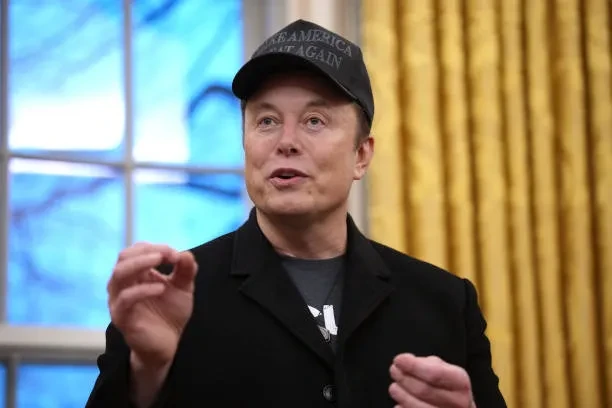
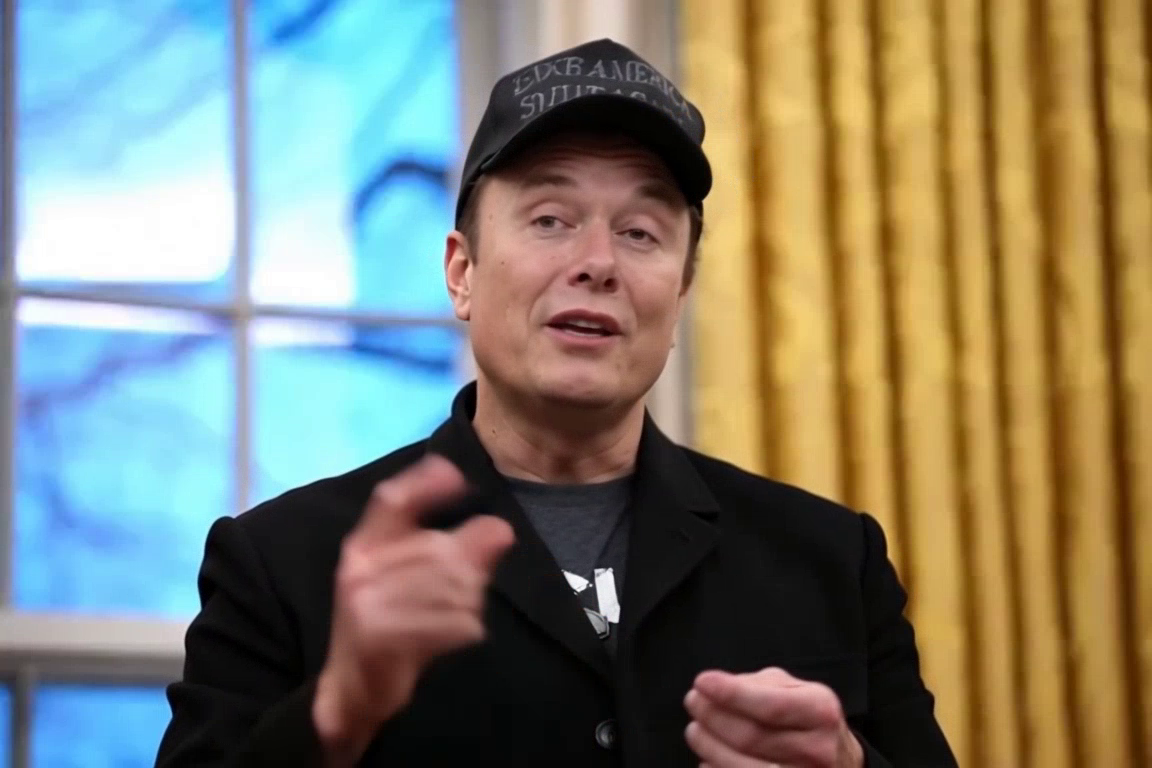
This showcase animates a still reference image into a speaking video. Click the output to watch the mouth and eyes move with the audio.
Character Image + Script
Character visual reference paired with expressive monologue script
I am SpongeBob SquarePants! And let me tell you, today is officially the greatest day ever! Well, except for yesterday, and probably tomorrow. But why? Because the Krusty Krab is calling! My trusty spatula is polished, my pores are refreshed, and those Krabby Patties aren't going to flip themselves! Nothing can ruin a morning this beautiful—not even Squidward practicing his clarinet or Plankton trying to steal the secret formula. The grill is hot and so am I! I'M READY! I'M READY! I'M READY!
AI Animated Talking Character Video
Full talking avatar video with sub-millisecond lip-sync and character gestures
4. Step-by-Step: Animate a Still Portrait
Step 1: Upload a front-facing portrait
For best results, use a clear, front-facing photo with even lighting and minimal background clutter.
Step 2: Add a voice
Upload an audio file or type a script. The AI maps the speech to the mouth shapes automatically.
Step 3: Export the video
Download a 1080p MP4 with synchronized lip movement and natural head motion.
Frequently Asked Questions
Can I animate illustrated or cartoon characters?
Yes — the facial tracking works on realistic photos as well as 3D renders, anime portraits, and illustrated mascots.
Does the animation distort the background or hair?
No. Neural inpainting isolates the face and jaw region, keeping hair, background, and lighting intact.
Can I use my own voice or script?
Yes — pair the portrait with any uploaded audio file or typed text script.
Ready to automate your social media?
Join thousands of businesses and creators who trust AutoPoster AI to automate their social media presence.