AI Photo Restoration: Fix Blurry Faces & Restore Damaged Photos (2026 Guide)
Repair scratches, remove creases, sharpen out-of-focus faces, and colorize black-and-white photos with neural restoration.
Old photographs fade, scratch, tear, and blur — and every one of those flaws represents a memory slipping away. Professional photo restoration has historically cost $50 to $300 per image, putting it out of reach for most family archives.
Auto Poster AI Photo Restoration brings that work in-house: repair scratches, fill tears, sharpen out-of-focus faces, and colorize black-and-white photos in seconds.
1. What Neural Restoration Can Fix
- Scratches, creases & dust — generative inpainting fills damaged areas using the surrounding texture and color.
- Blurry faces — face-restoration models sharpen eyes, skin texture, and expressions without uncanny artifacts.
- Faded contrast — exposure and color are rebalanced for prints that lost their punch decades ago.
- Monochrome colorization — scene context, skin tone, and fabric are analyzed to apply natural, historically plausible color.
2. Who Uses Photo Restoration
- Genealogists and families preserve old portraits for future generations.
- Museums and archives restore historical collections for display.
- Event organizers revive aged photos for memorials and anniversaries.
- Professional restorers speed up client work with AI-assisted repair.
3. See It In Action: Live Demo
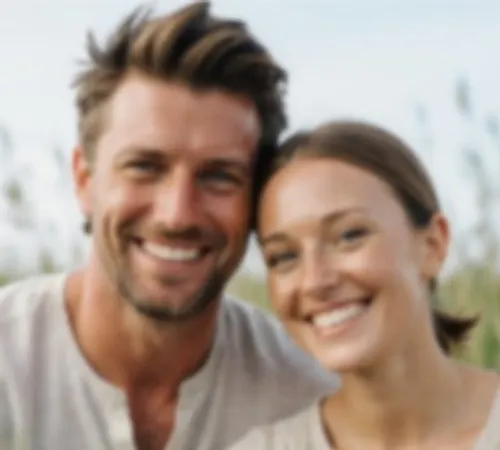
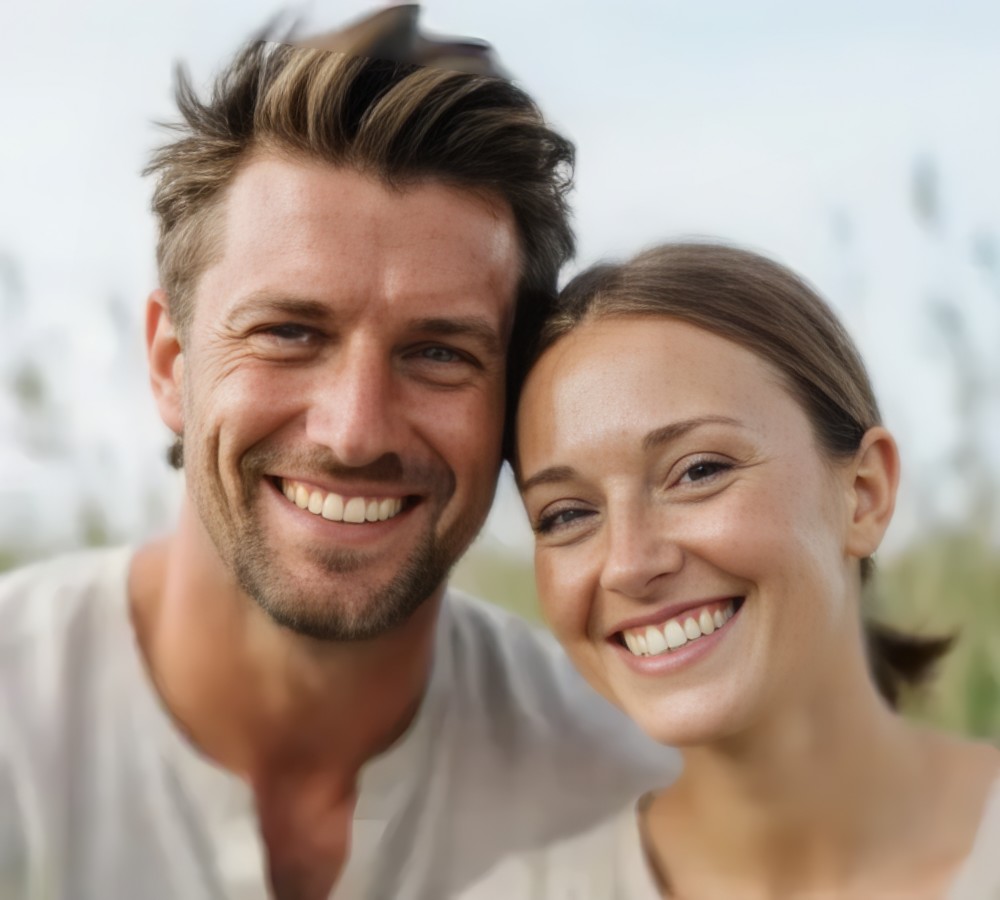
This showcase takes a faded, blurry face scan and restores it to a sharp, high-clarity portrait.
Low-Res Blurry Face Scan File
Historical family photograph with faded contrast and blurry facial features
Restored & Enhanced HD Master
Restored portrait with sharp facial features and synthesized micro-details
4. Step-by-Step: Restore an Old Photo
Step 1: Upload the scan
Provide a JPG, PNG, WEBP, or TIFF scan of the damaged photo.
Step 2: AI restores
The repair model removes scratches and sharpens faces automatically.
Step 3: Download (optionally colorize)
Export the restored image, with or without colorization.
Frequently Asked Questions
How does it repair physical scratches and tears?
Generative inpainting analyzes surrounding texture and color to fill creases, dust spots, and tears seamlessly.
Can it colorize black-and-white photos?
Yes — neural colorization applies natural, historically accurate palettes.
Can I keep the original monochrome look?
Yes — toggle between monochrome restoration and full colorization.
Ready to automate your social media?
Join thousands of businesses and creators who trust AutoPoster AI to automate their social media presence.