Upscale Blurry & Low-Res Photos to 4K/8K with AI (2026 Guide)
Neural super-resolution that reconstructs textures, removes pixelation, and sharpens faces — up to 8x — for print, e-commerce, and web.
A 512-pixel product photo looks fine on an old phone and broken on a 4K display — and unusable on a printed banner. Traditional resizing just stretches the same pixels, which is why it always looks soft.
Auto Poster AI Image Upscaler uses neural super-resolution instead: the model predicts and reconstructs the missing detail, sharpening edges, skin texture, and typography while scaling up to 8x.
1. How Neural Super-Resolution Differs From Resizing
Bicubic resizing guesses pixel colors from neighbors and blurs. A neural upscaler has been trained on millions of high-resolution images, so it understands what human skin, fabric weaves, hair strands, and architecture should look like. It synthesizes realistic micro-details to fill the resolution gap.
That's why upscaled faces keep their eyes, teeth, and hair strands sharp instead of turning into smooth plastic.
2. Who Needs AI Upscaling
- Merch designers blow up artwork to print-ready DPI for t-shirts and posters.
- E-commerce sellers turn small supplier images into sharp product photos.
- Archivists restore old digitized family scans to modern clarity.
- Web designers upscale legacy logos and graphics for retina displays.
3. See It In Action: Live Demo
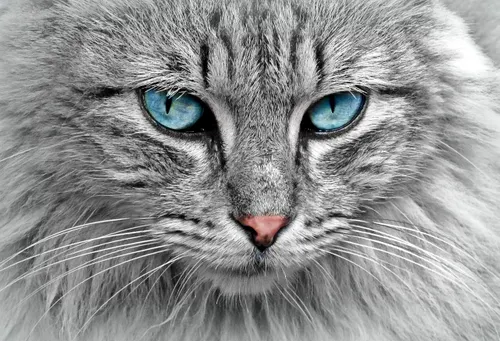
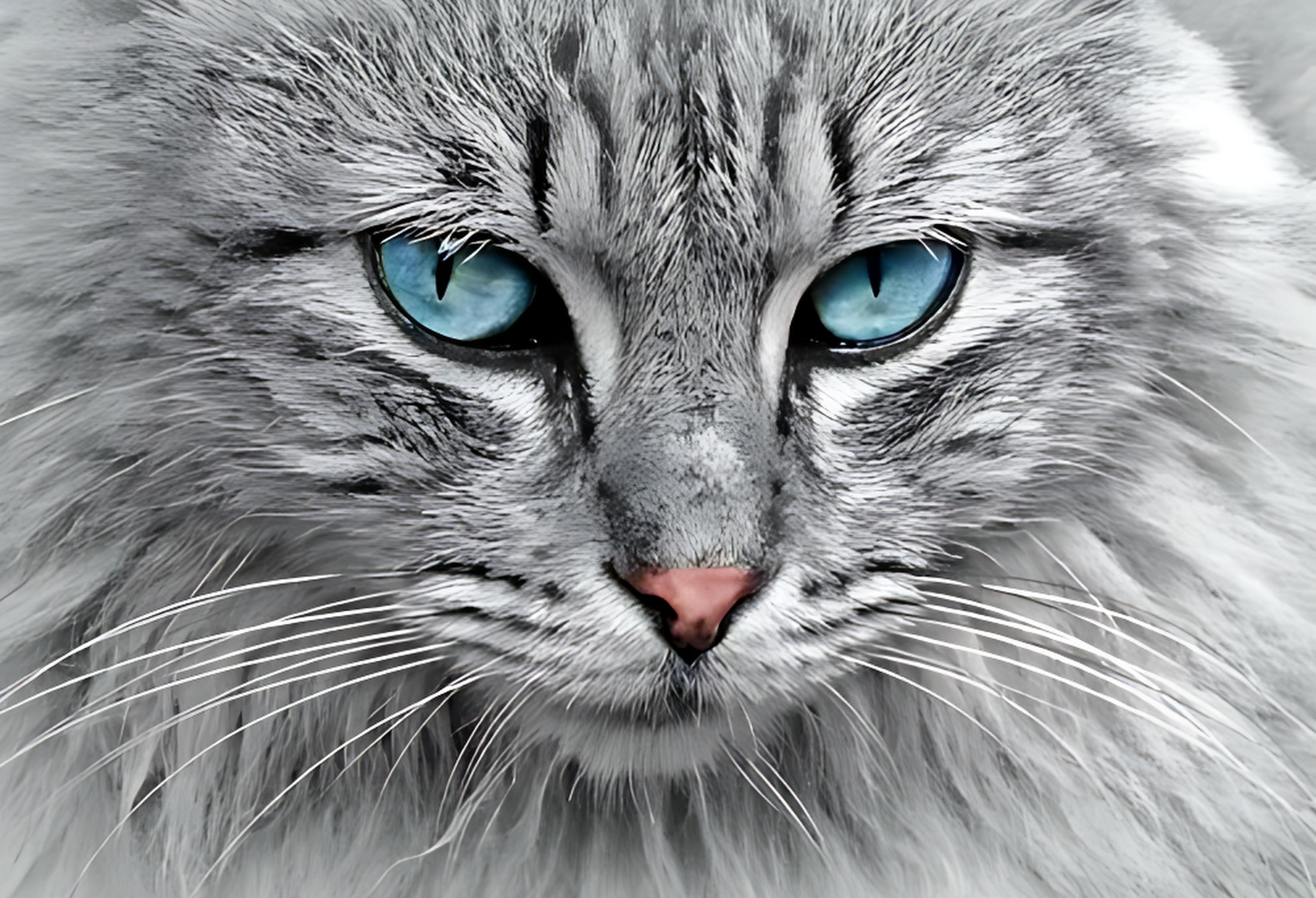
This showcase takes a blurry 500px web image and reconstructs it at 4x resolution with clean edges and restored detail.
Low-Res Blurry Image File
Uploaded low-DPI graphic with visible compression artifacts
4X Enhanced Ultra HD Master
Upscaled 2000x1364 image with synthesized sharp micro-details and clean edges
4. Step-by-Step: Upscale an Image
Step 1: Upload
Drop in a small or blurry PNG, JPG, WEBP, or TIFF.
Step 2: Pick a multiplier
Choose 2x, 4x, or 8x enhancement.
Step 3: Download
Export a clean, high-resolution image ready for print or web.
Frequently Asked Questions
Can I upscale images to 4K or 8K?
Yes — 2x, 4x, and 8x scaling factors convert small images into 4K or 8K resolution.
Does it fix blurry faces in portraits?
Yes — specialized face-restoration models reconstruct eyes, teeth, and hair strands sharply.
Can it clean JPEG artifacts and noise?
Yes — de-noising removes blocky compression artifacts and digital noise.
Ready to automate your social media?
Join thousands of businesses and creators who trust AutoPoster AI to automate their social media presence.